 Zudo Works
How to find a task in this guide (or ask Zudo AI)
Find the steps and screenshots of any everyday task in a few seconds — on the guide page, or by asking Zudo AI.
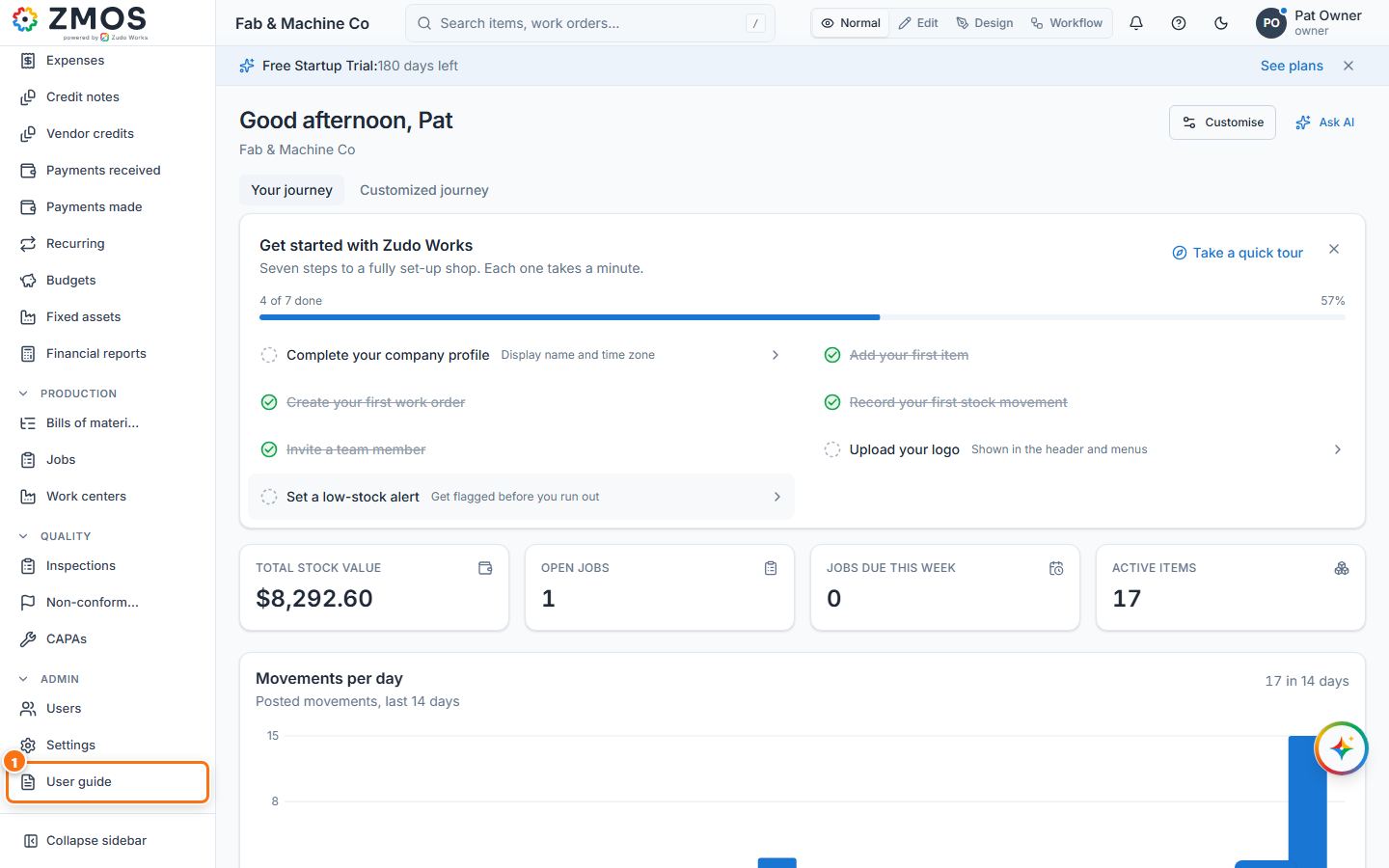
- In the sidebar, under Admin, click User guide (
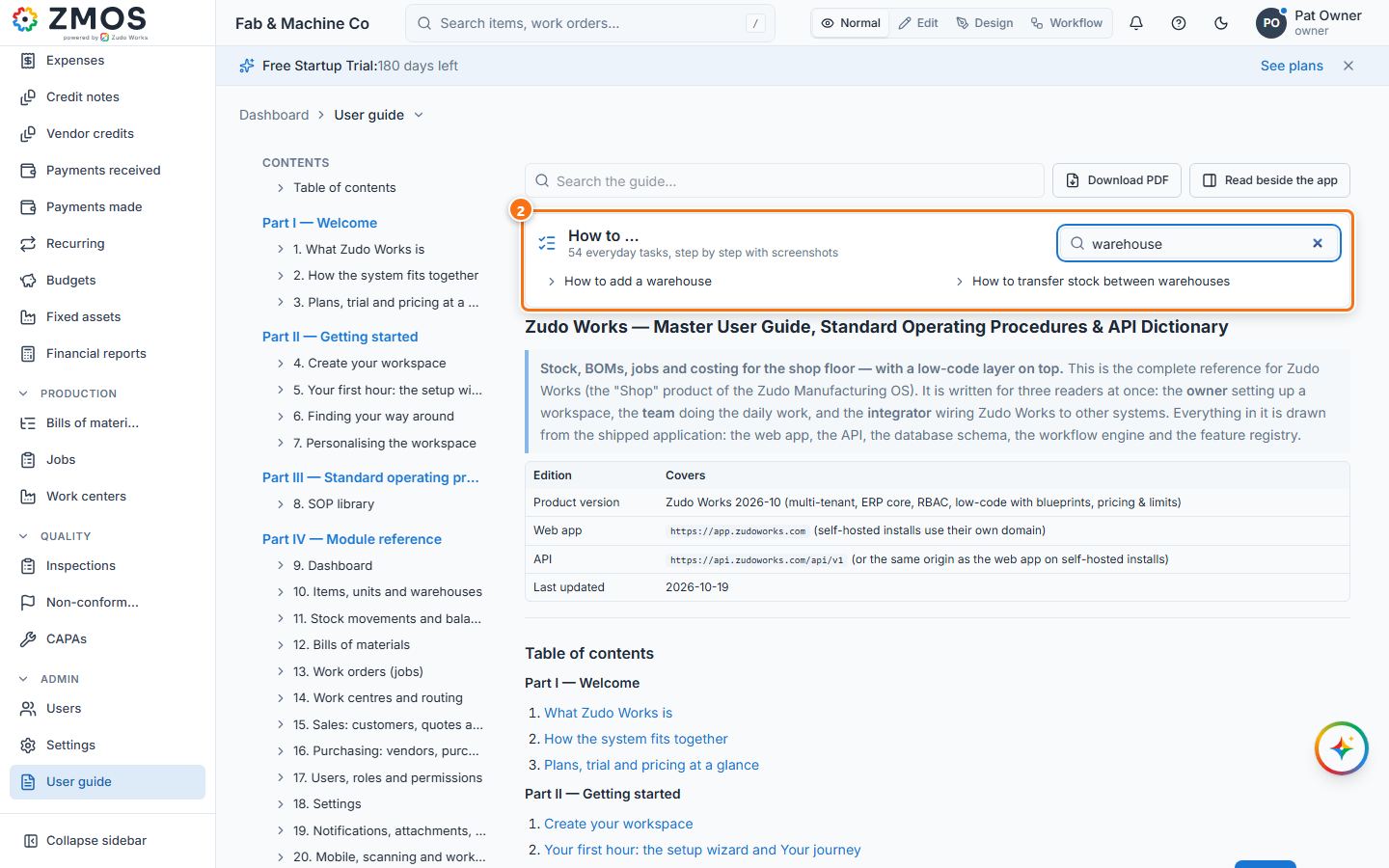
/guide). The same page opens from Settings → Help & resources → Complete user guide → Open as a page. - At the top of the page, the How to … box lists every task. Type a few words into Find a task — for example "warehouse" — and only the matching tasks stay in the list.
- Click a task. The page jumps to its numbered steps and screenshots; the orange outline and number in each picture mark the control that step talks about.
- Click a screenshot to see it full size; ← and → move between the task's pictures, Esc closes it.
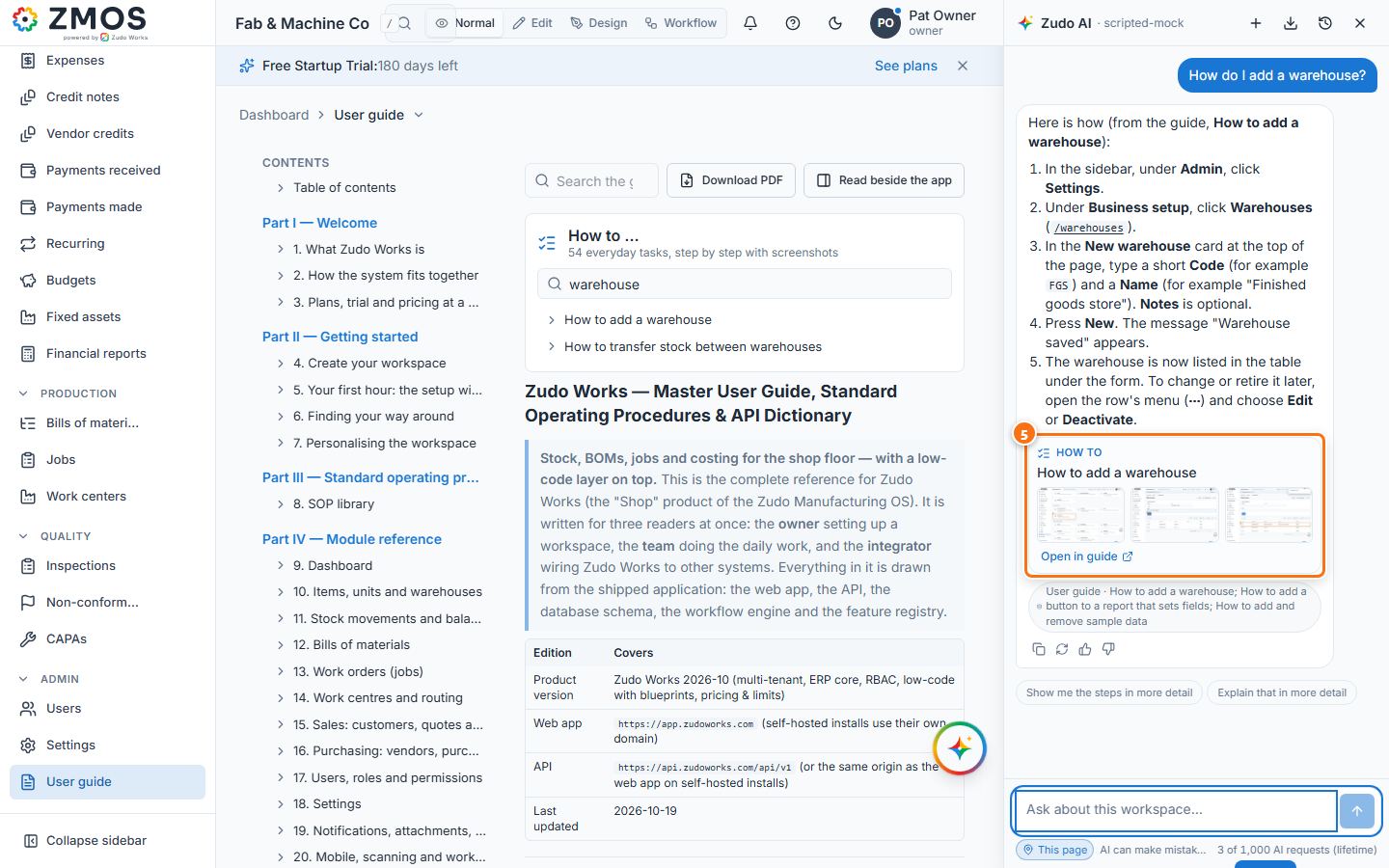
- Or ask Zudo AI: press Ask Zudo AI in the bottom-right corner, type a question such as How do I add a warehouse? and press Send. The answer lists the steps, and the How to card under it shows the task's screenshots (click one to see it full size) and Open in guide, which opens the task on this page.
Last updated