 Zudo Works
Items, units and warehouses
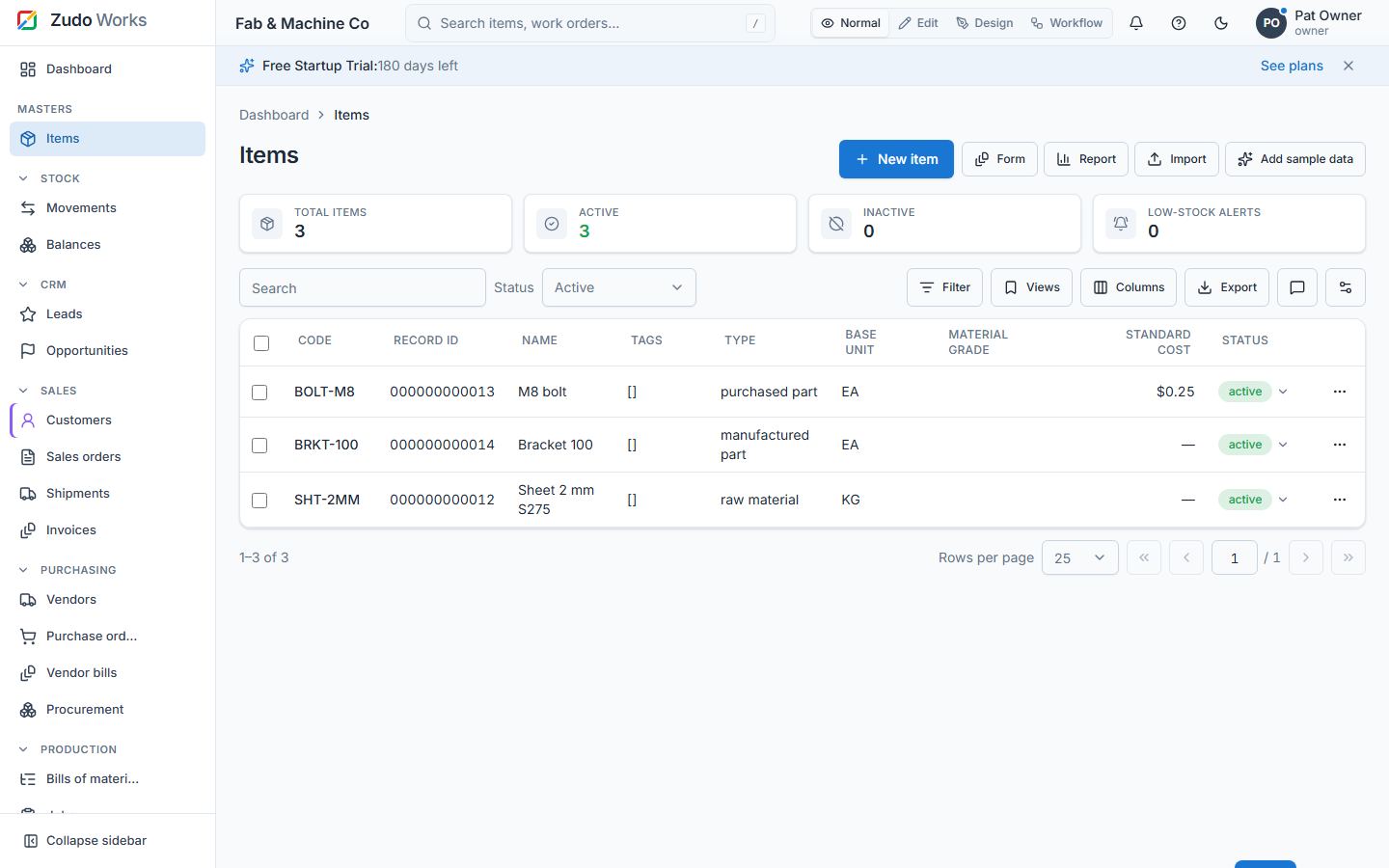
Items — /items [masters.read, write masters.write]
| Field | Notes |
|---|---|
| Code | Unique per workspace; A–Z 0–9 . _ / -, up to 64 chars, stored upper-case |
| Name, description | Description supports rich text |
| Item type | raw_material, purchased_part, manufactured_part (needs a BOM to make), consumable |
| Base unit | A unit of measure; locked after the first stock movement |
| Standard cost | Values positive adjustments of items with no moving-average cost yet |
| Material grade, thickness (mm), dimensions | Sheet-metal friendly attributes |
| Tags | Coloured labels, created inline |
| Status | Active / inactive (deactivate instead of deleting; history stays) |
Features: KPI strip, filters, saved views, export, bulk deactivate with Undo, inline status, photo gallery (attachments), Referenced in (custom records that look up the item), item history link, barcode. Creating from the dashboard or the palette pre-opens the form (?new=1).
Units of measure — Settings → Units /uoms
Code, name, decimal places (precision of quantities for items in this unit). Seeded with a standard set. A unit can be deactivated only if no active item uses it as base unit.
Warehouses — Settings → Warehouses /warehouses
Code (e.g. MAIN, FLOOR), name, notes. A warehouse that still holds stock cannot be deactivated. Tenants that confirmed single location in the wizard see fewer warehouse pickers.
Record IDs everywhere
Every record in the workspace — items, units, warehouses, customers, vendors, work centres, sales and purchase orders, jobs, movements, BOMs and every custom form record — gets a 12-digit record ID when it is saved: 000000000001, 000000000002, … one counter per workspace, never reused and never editable. Lists show it in the Record ID column (searchable, sortable); Added user and Modified user can be switched on under Columns. Open /items to see it.
Last updated