 Zudo Works
CSV imports
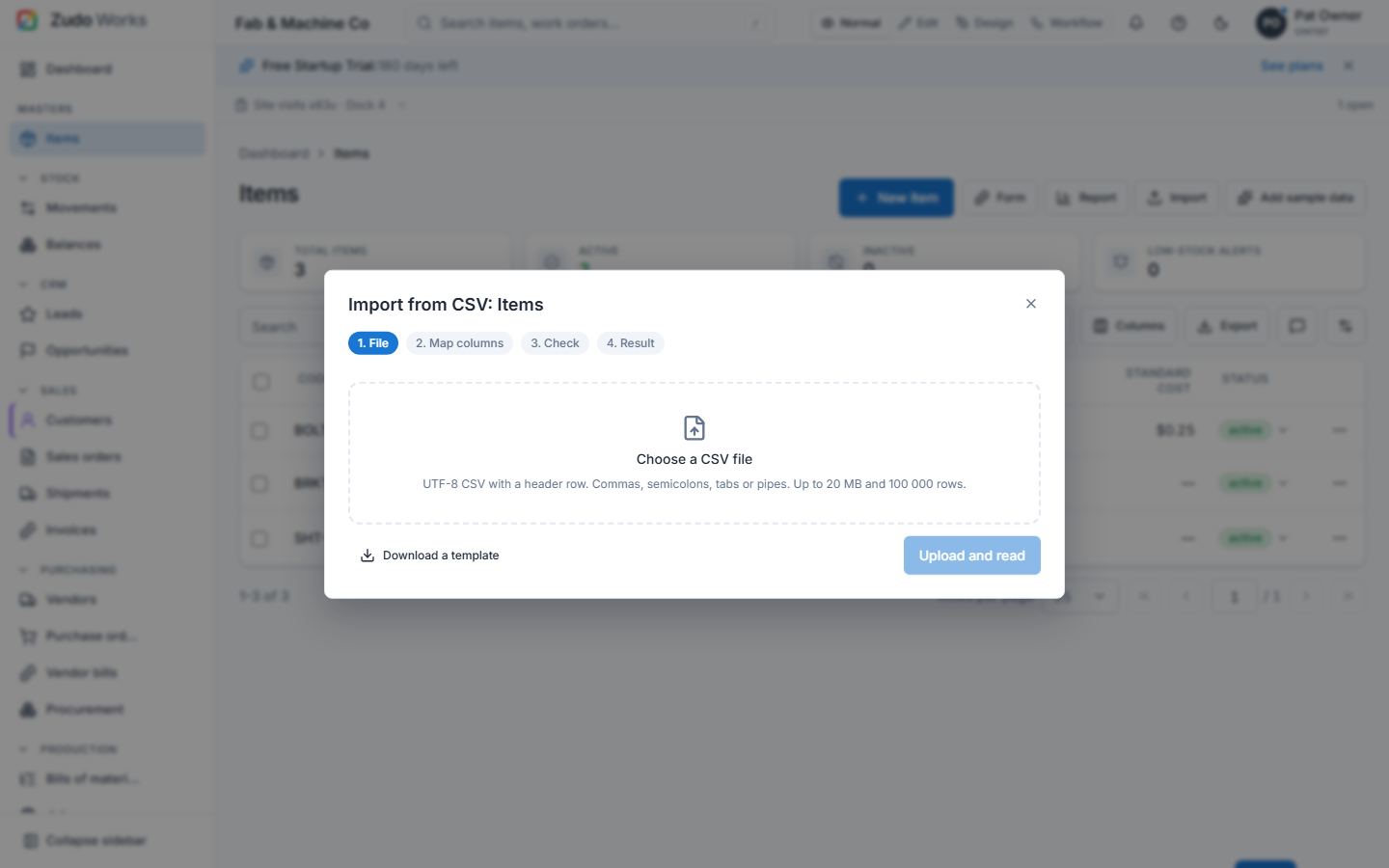
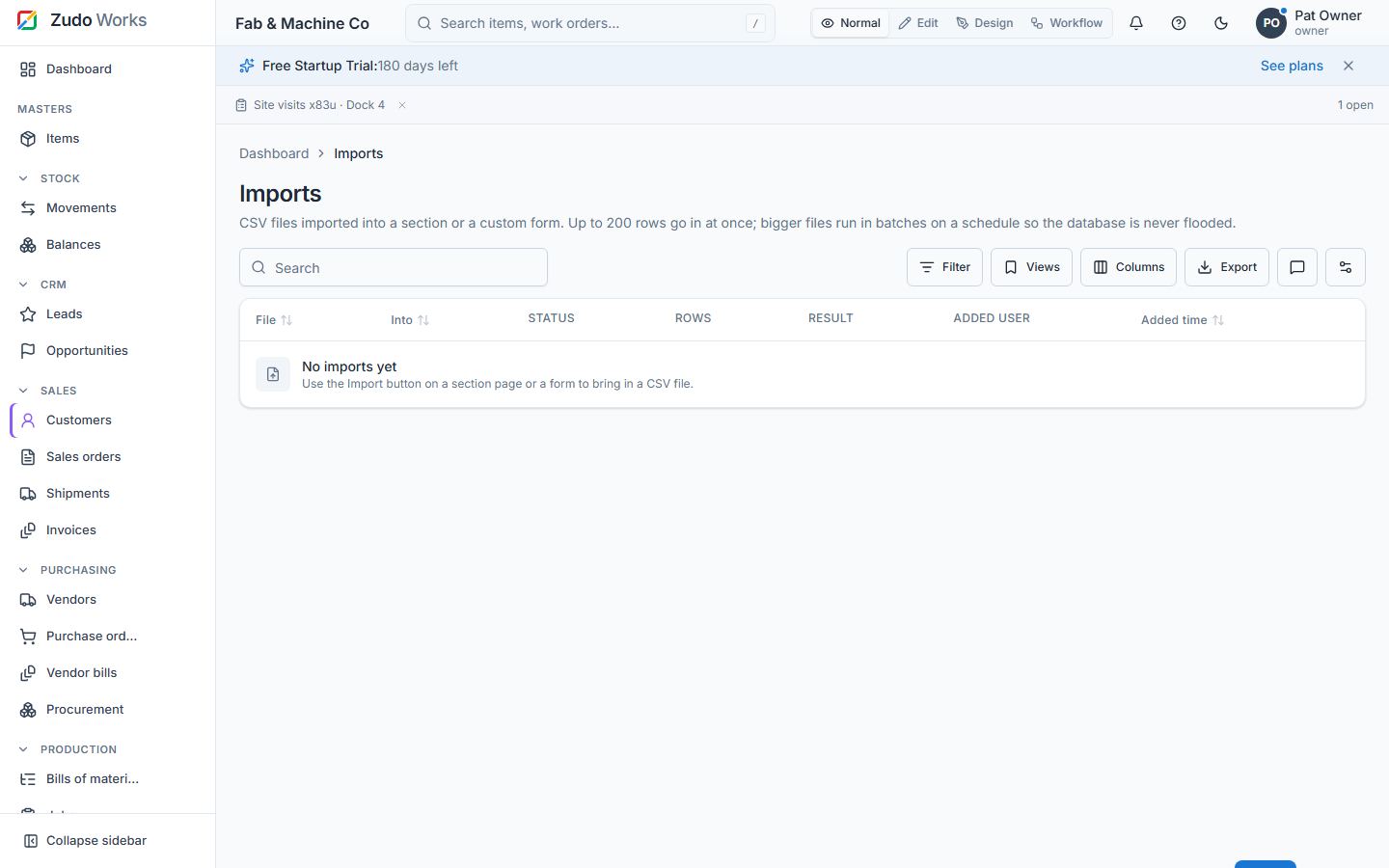
Where: the Import button on every section page (items, customers, vendors, units, warehouses, work centres) and on every custom form; the Imports page (/automation/imports) [the section's write permission; custom forms forms.write]
- Upload a CSV (or paste its text). The delimiter is detected (comma, semicolon, tab, pipe); quoted fields, embedded newlines and
""follow RFC 4180. Up to 100 000 rows / 20 MB. - Map columns to fields — suggested from the header names and their aliases (
SKU,part number→ Code); required fields are marked. Choose Update existing rows by the key field (code or name) or insert only. Lookups in custom forms resolve by code or name. - Check: every row is validated with the same rules as the form; errors are listed per row and nothing is written until you start.
- Import: up to 200 valid rows go in at once (in batches of 50). A bigger file is handed to a schedule that imports 200 rows every minute until done, so the database is never flooded; the dialog links to it, and the Imports page shows the progress.
The summary gives inserted / updated / failed counts; Errors CSV downloads the failed rows with their messages so you can fix and re-import them. Template downloads an empty CSV with the right headers.
Last updated