 Zudo Works
Schedules
Where: Settings → Low-code → Schedules (/automation/schedules) [workflows.manage]
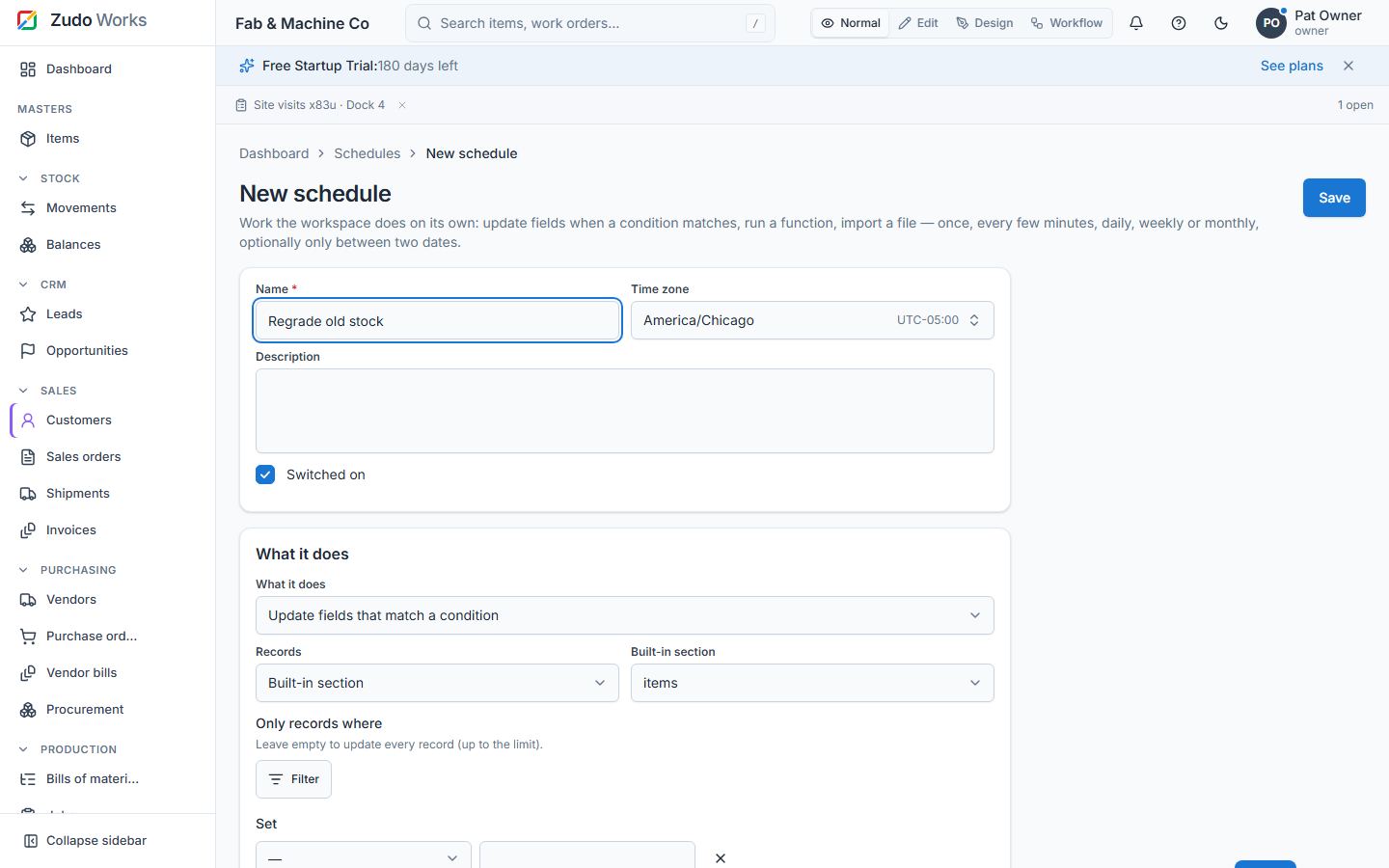
A schedule is work the workspace does on its own. Pick a cadence:
| Kind | Settings |
|---|---|
| once | a date and time |
| interval | every N minutes (1 – 10 080) |
| daily | a time of day |
| weekly | weekdays and a time |
| monthly | a day of the month (29–31 run on the last day of shorter months) and a time |
Daily, weekly and monthly schedules may be limited to a from / to window. Times are in the workspace's time zone (Settings). Then pick an action:
- Update fields of every record that matches a condition (the same filter builder as the tables) in a built-in module (items, customers, vendors, work centres, sales / purchase orders) or a custom form: set one or more fields to new values. Workflow rules fire for custom records.
- Run a function (a workflow function, §24) with arguments.
- Import a CSV batch (used by large imports, §47).
Run now executes the schedule immediately; the run log keeps every run with its summary (matched, updated, inserted, failed, errors). Active pauses / resumes. The server checks for due schedules every 30 seconds (SHOP_SCHEDULER_INTERVAL_SECONDS); due rows are claimed with row locks so several servers never run the same schedule twice, and a run that died is retried after 15 minutes.
Last updated