 Zudo Works
Custom forms
Where: Settings → Low-code → Forms (/forms), designer at /forms/<slug>/design [forms.read; design forms.design]
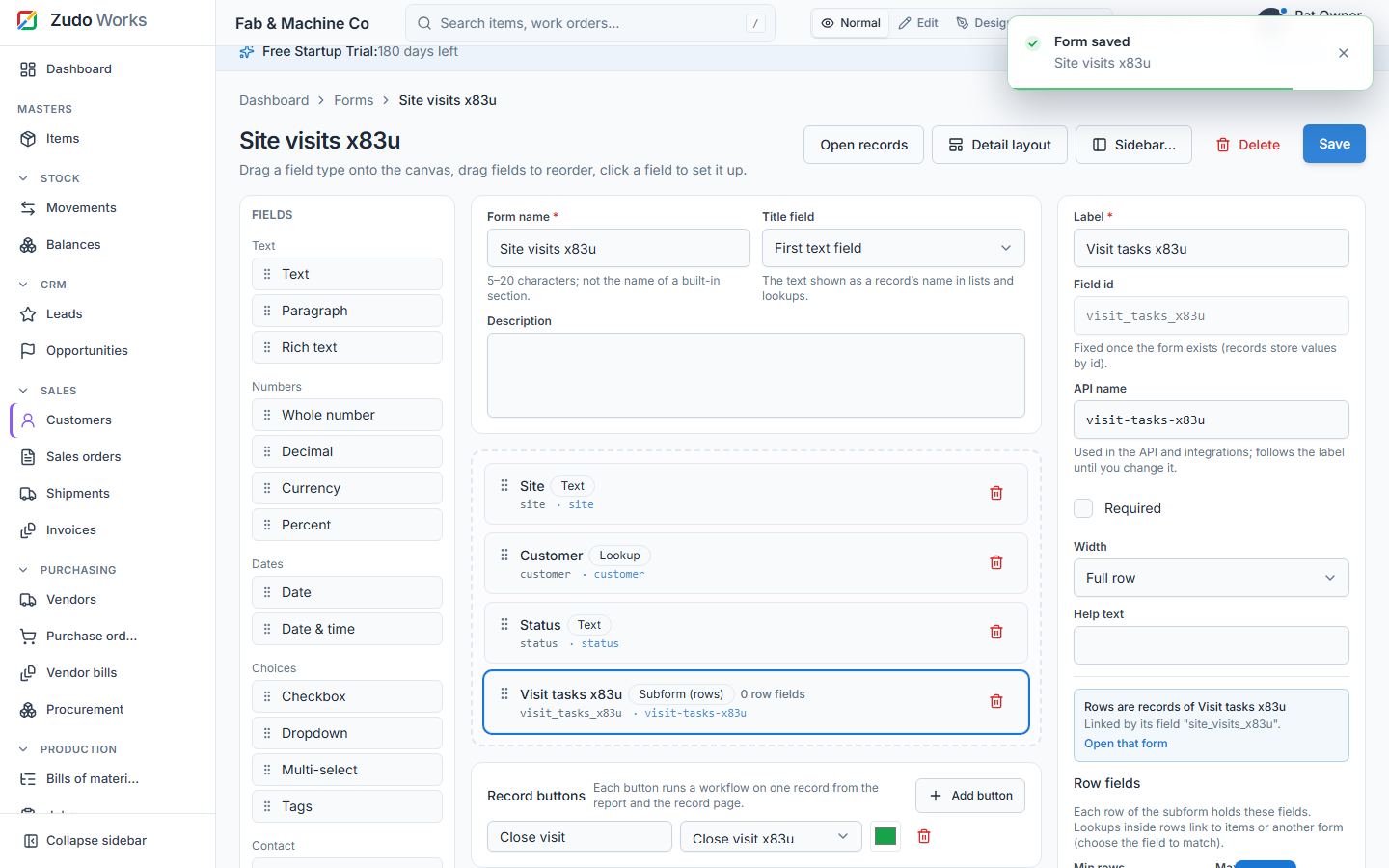
- Name 5–20 characters, unique in the workspace (case-insensitive) and never a built-in section name; the URL slug is derived from it. Optional description and icon.
- Field types (18): text, textarea, rich text (sanitised server-side), number, decimal, currency, percent, date, datetime, checkbox, select, multi-select, e-mail, URL, phone, tags, lookup, subform.
- Field settings: id (from the label), label, required, options (select / multi-select), default, help, lookup target (+ form and match field for form lookups, single or multi), subform child fields (≤ 30, any type except subform and rich text) with min/max rows (≤ 200).
- Field-level RBAC: per role, a field is editable (default), read-only or hidden. Hidden fields are stripped from responses; hidden or read-only fields cannot be written. Applies to filters and analytics too (no inference through a hidden column).
- Settings: title field (what names a record), submit label, detail layout (see §23).
- Versioning: changing the fields bumps the form version; records keep their data (missing keys read as null). Archive hides a form; Delete removes the form, its records, its workflow rules and every dashboard / home widget that read it — refused while another form's lookup still points at it (
deactivation_blocked). - Sidebar placement: after creation (and later via Sidebar…): a built-in group, a custom group or none. See §26.
Changing a form later
Forms stay editable after they hold records: add fields, add a subform (new or an existing form, §22), change labels, options and field access, then Save. Records keep their data; new fields start empty. Built-in sections can be extended the same way — see "Custom fields on built-in sections" in §26.
Record buttons
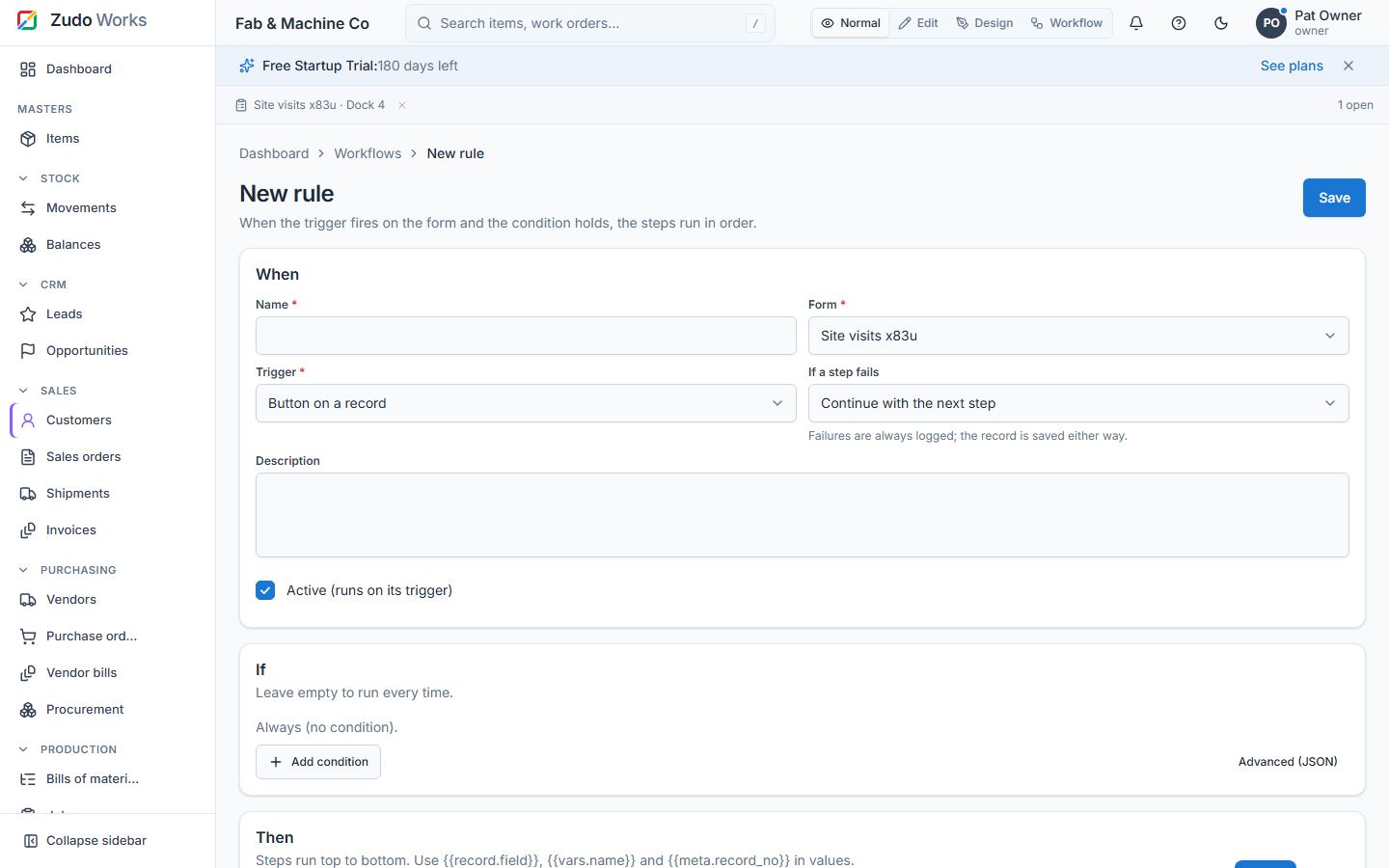
Record buttons put your own buttons on every record: in a column of the form's report and in the header of the record page. In the designer, open Record buttons → Add button, give it a label and a colour, and pick a workflow rule whose trigger is Button on a record (create one with Create one; it opens the rule editor with the form and trigger filled in). Clicking the button runs that rule on that one record (for example "update record: status = Closed") and reports the outcome. Up to 8 buttons per form; people need forms.write to press them.
Last updated