 Zudo Works
How to add a work center
A work center is a machine or station with an hourly rate (the laser, the press brake, the paint booth); a job's routing steps run on work centers.
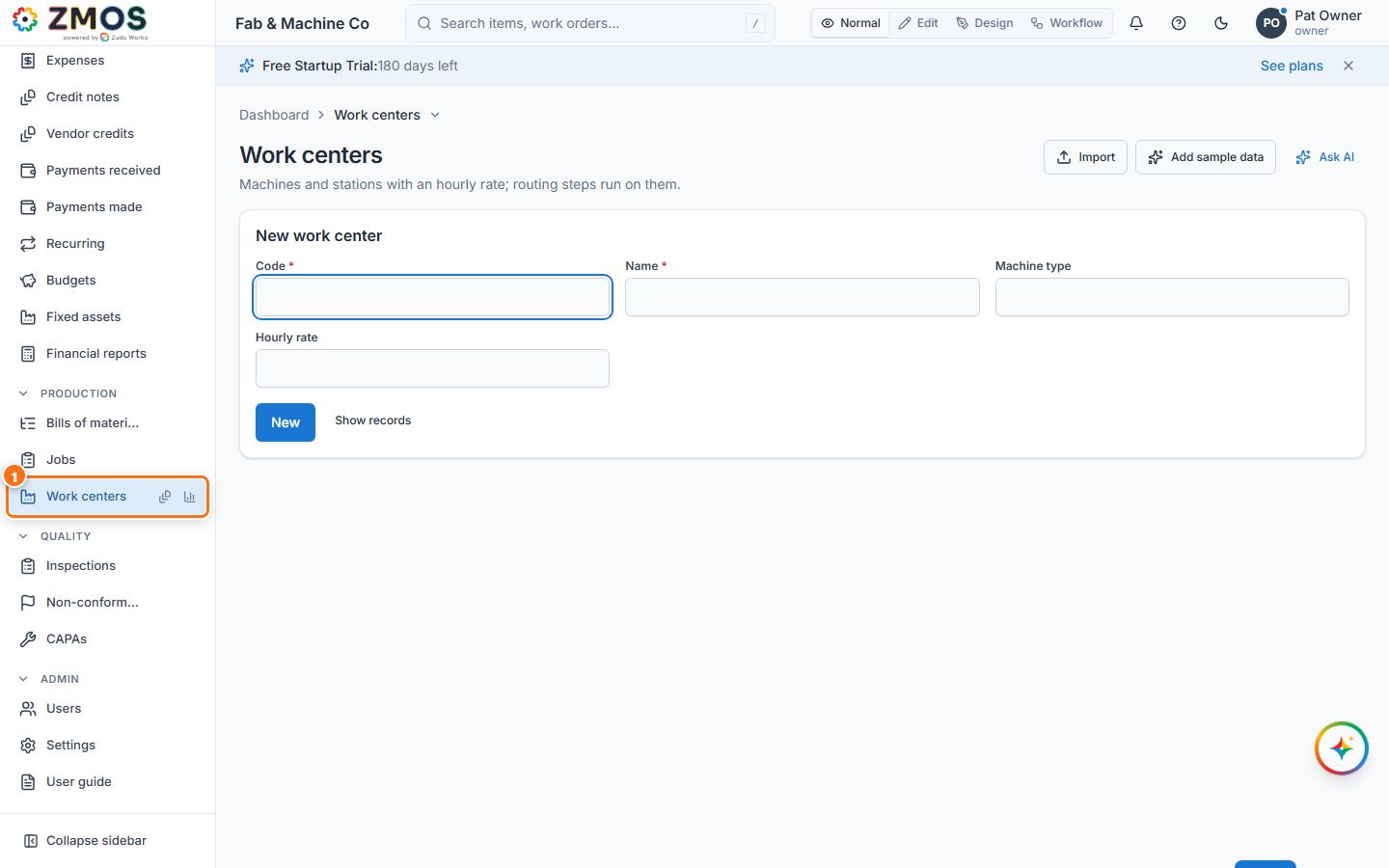
- In the sidebar, under Production, click Work centers. The New work center form opens on its own.
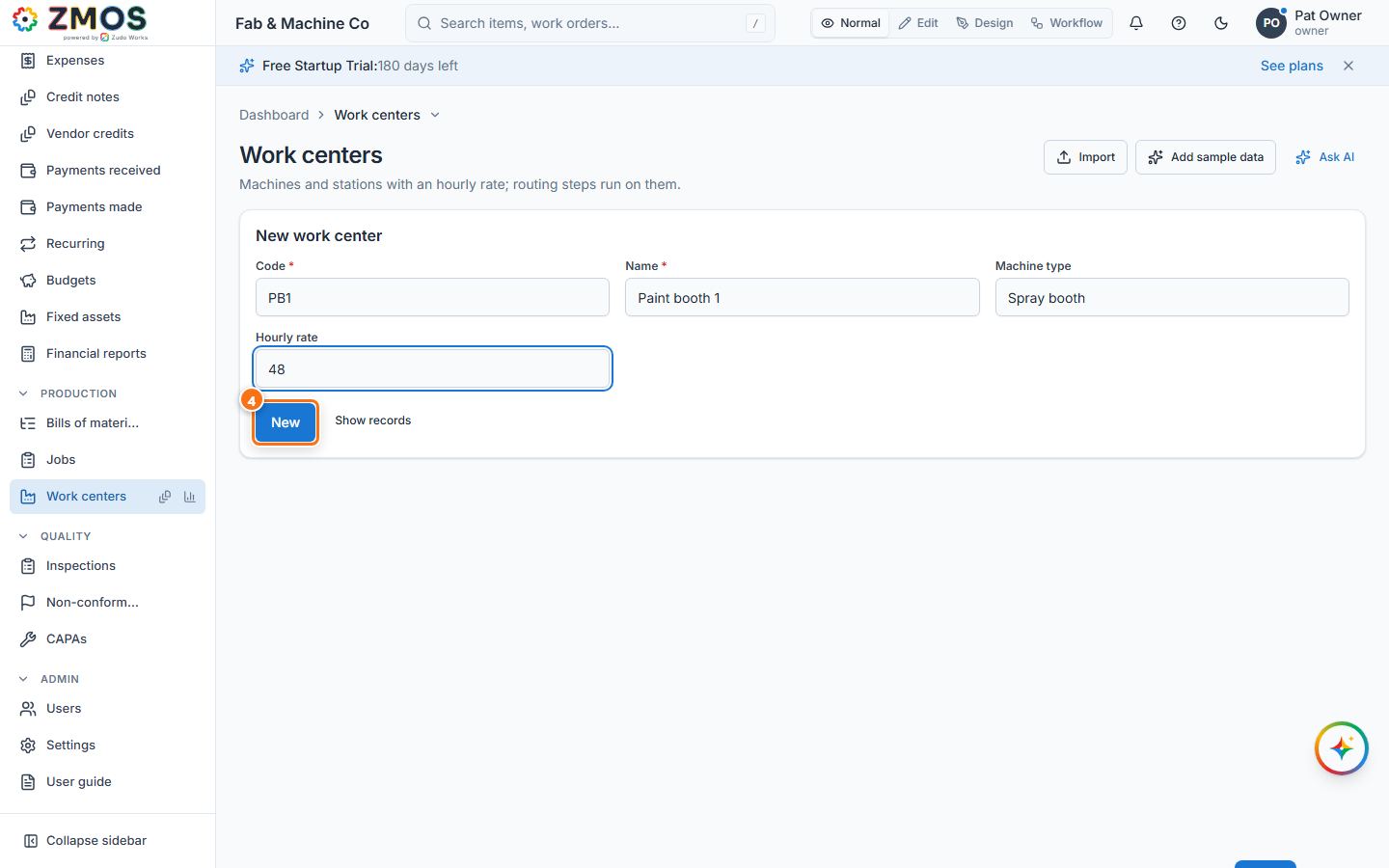
- Type a Code (for example
PB1) and a Name ("Paint booth 1"). - Optional: the Machine type ("Spray booth") and the Hourly rate (48).
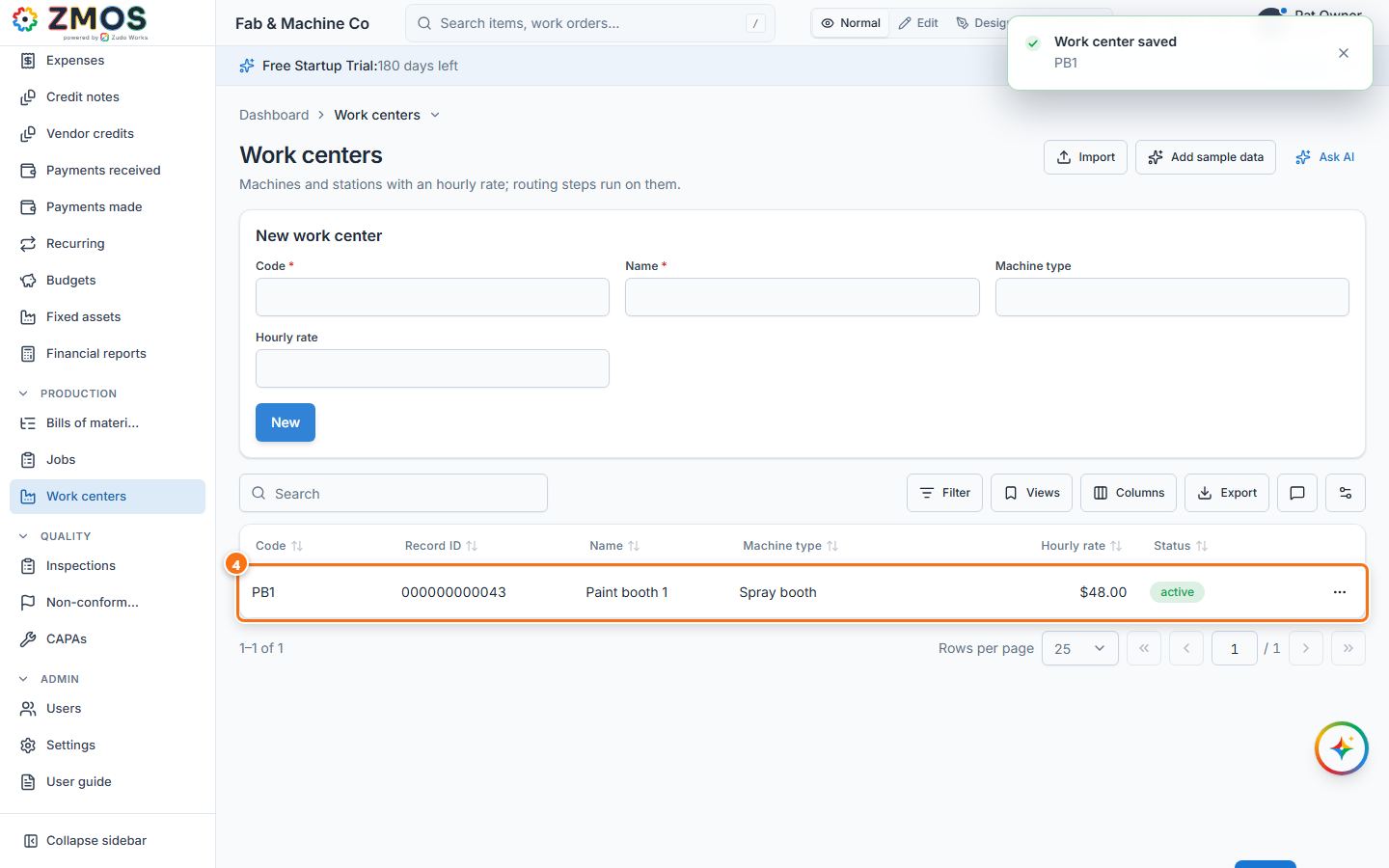
- Press Save. "Work center saved" appears and the list of work centers shows below the form. (While the form is shown alone, Show records brings the list back without saving.)
Tip: to plan a job on work centers, open the job and use Plan steps in its Routing card.
Last updated