 Zudo Works
How to create and release a work order (job)
A job (work order) makes a quantity of a manufactured part: it plans the material from the BOM, records what you issue and adds up the cost.
- In the sidebar, under Production, click Jobs. The New job form opens.
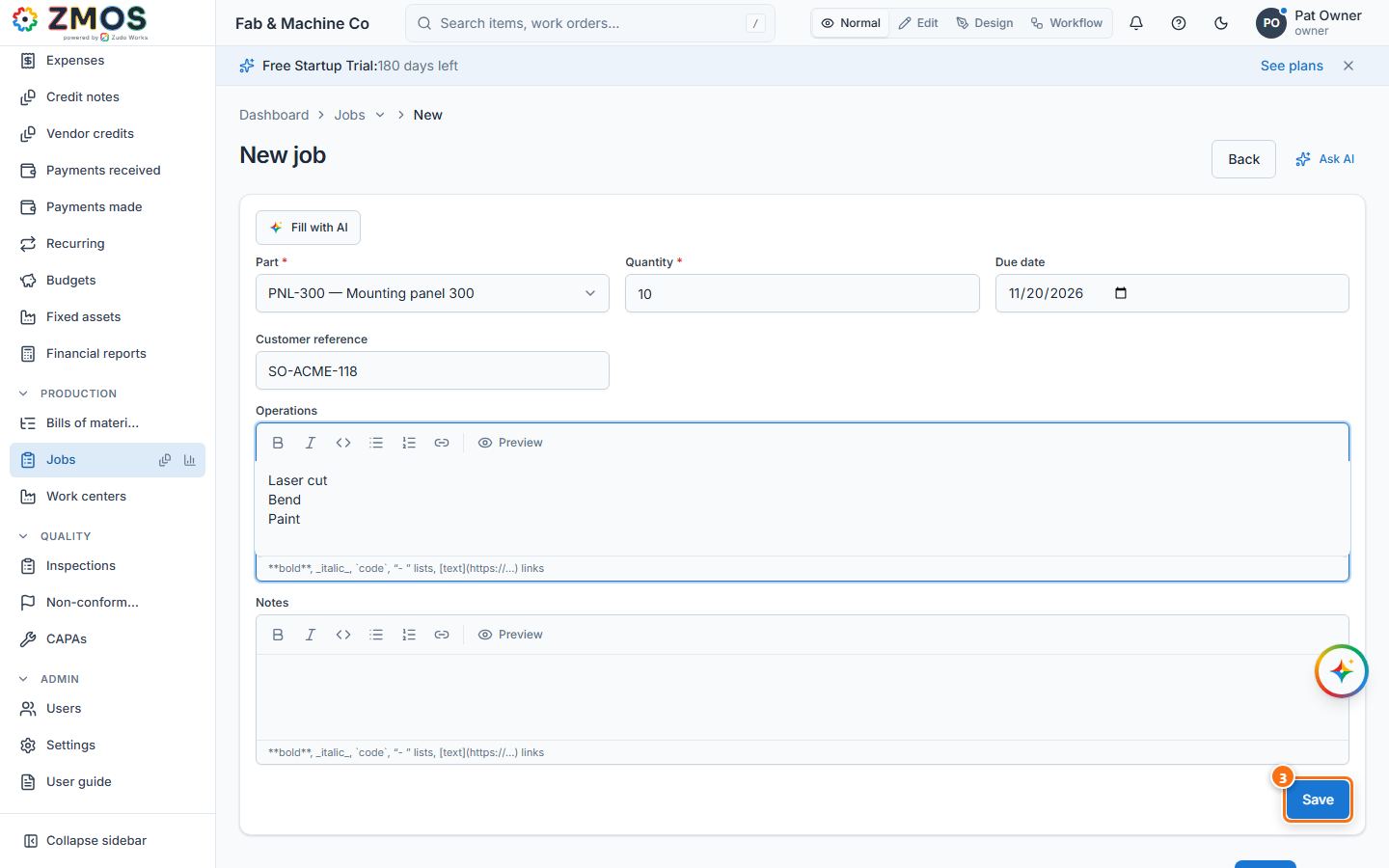
- Choose the Part (a manufactured part with a released BOM) and type the Quantity. Due date, Customer reference, Operations (one per line) and Notes are optional.
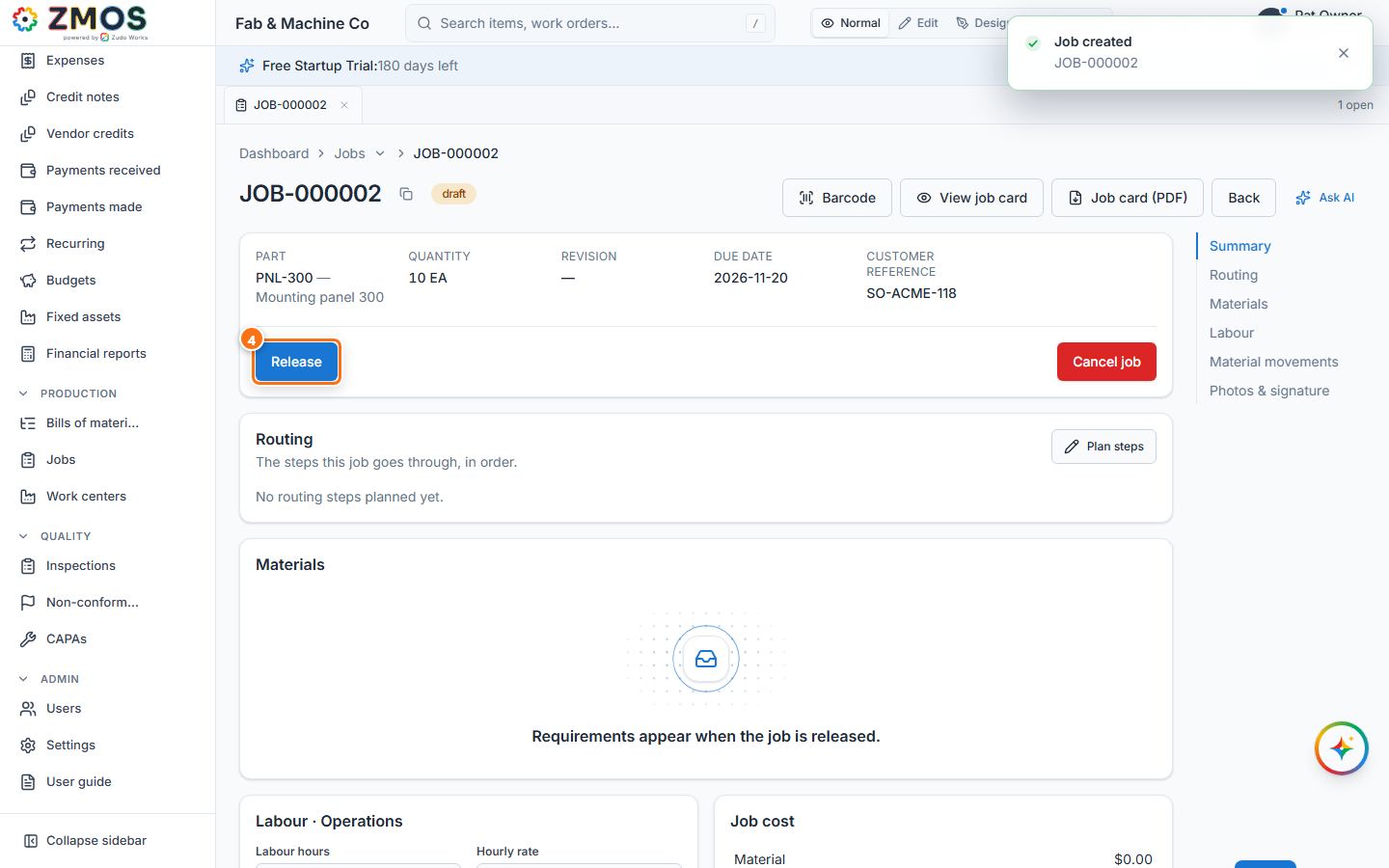
- Press Save. The job gets its number (JOB-…) with the status Draft.
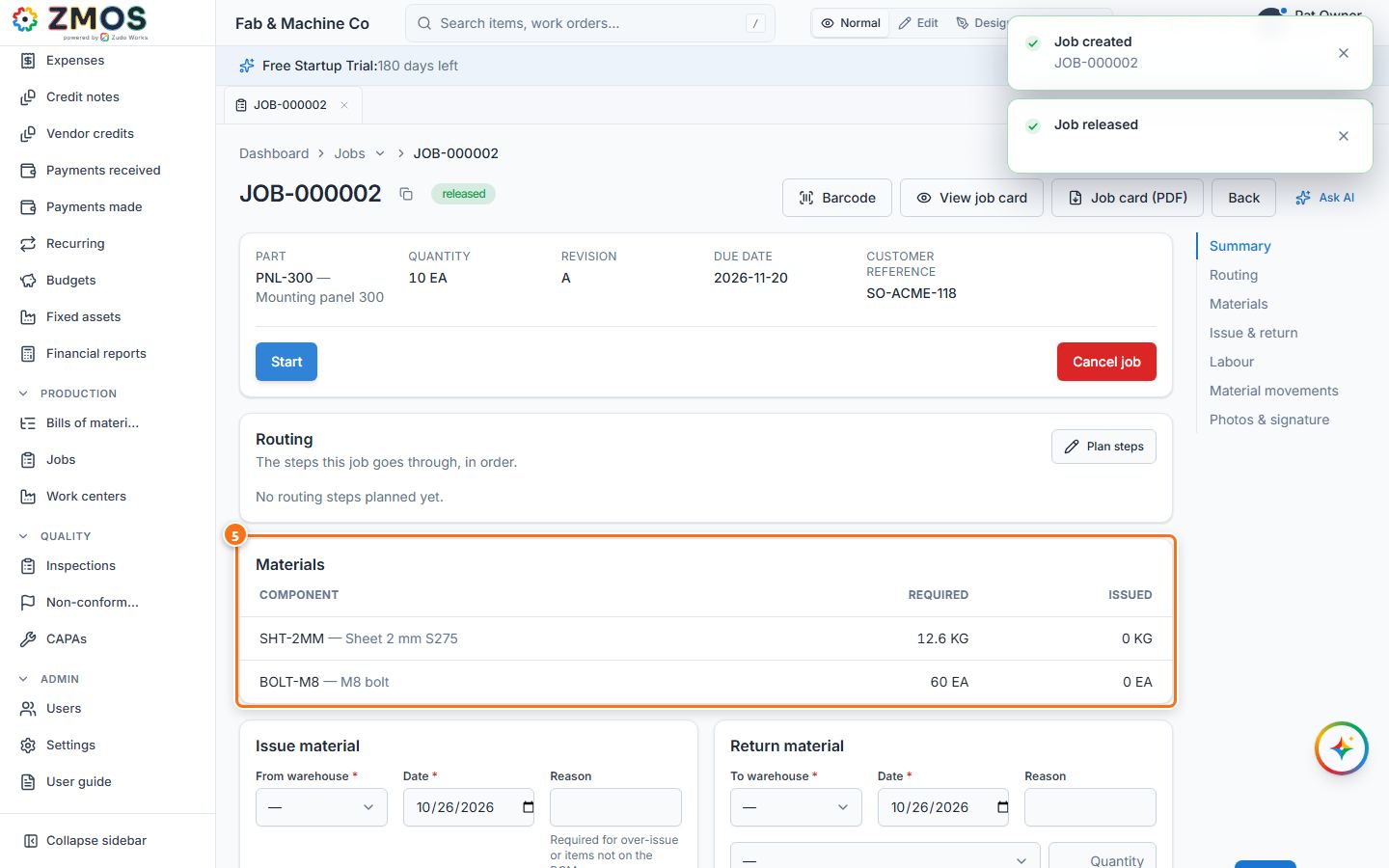
- Press Release. The status changes to Released.
- The Materials card now lists every component with the quantity Required for this job (quantity × quantity per, plus scrap). The job is ready for material; Start marks it as begun, and issuing material starts it automatically.
Tip: a draft or released job with nothing issued can still be cancelled with Cancel job.
Last updated