 Zudo Works
How to issue stock
An issue takes stock out of a warehouse for something other than a job — maintenance, samples, scrap. (Material for a job is issued on the job itself.)
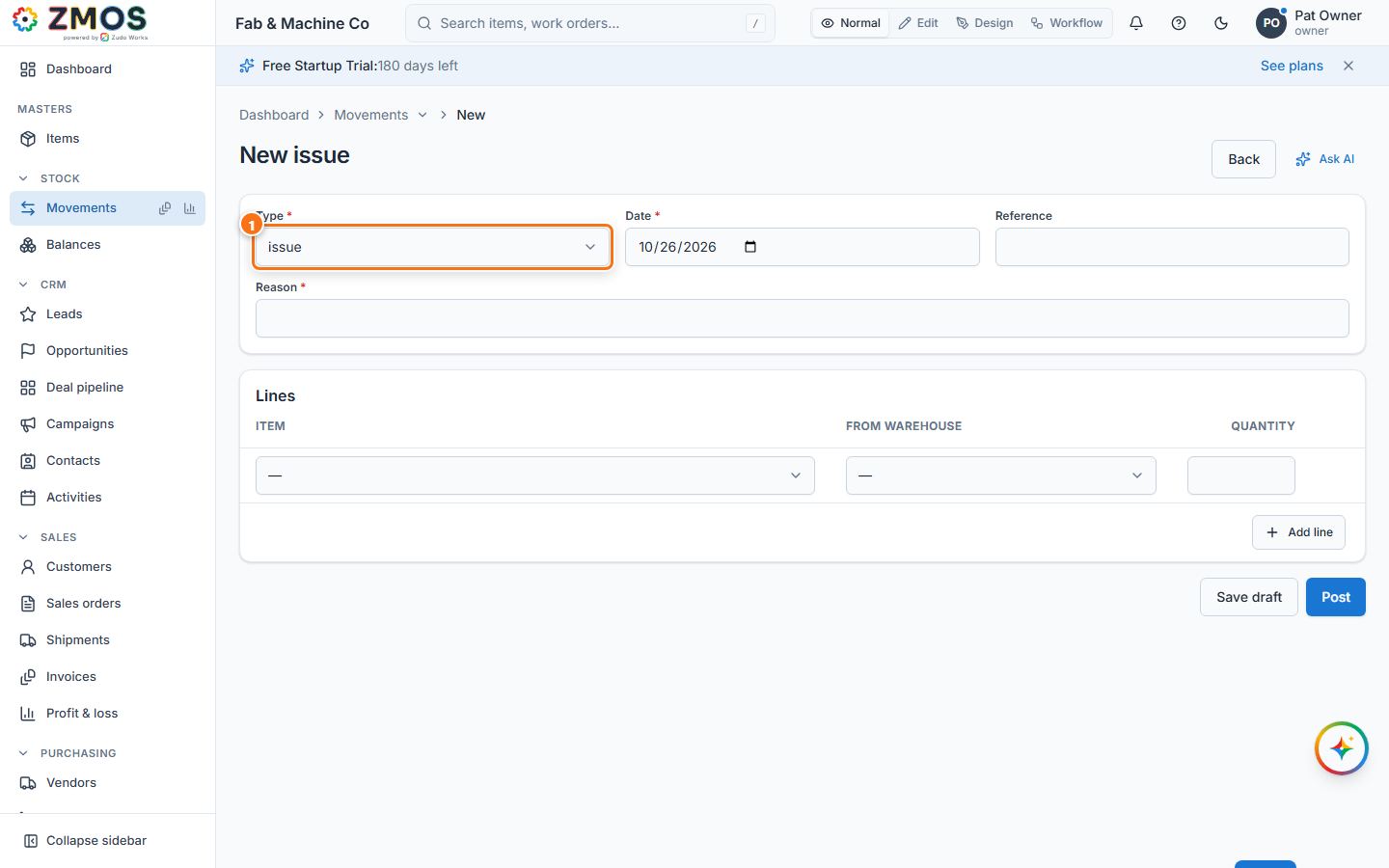
- In the sidebar, under Stock, click Movements, then set Type to Issue. The heading changes to "New issue". (On the Movements list, New issue opens the same form.)
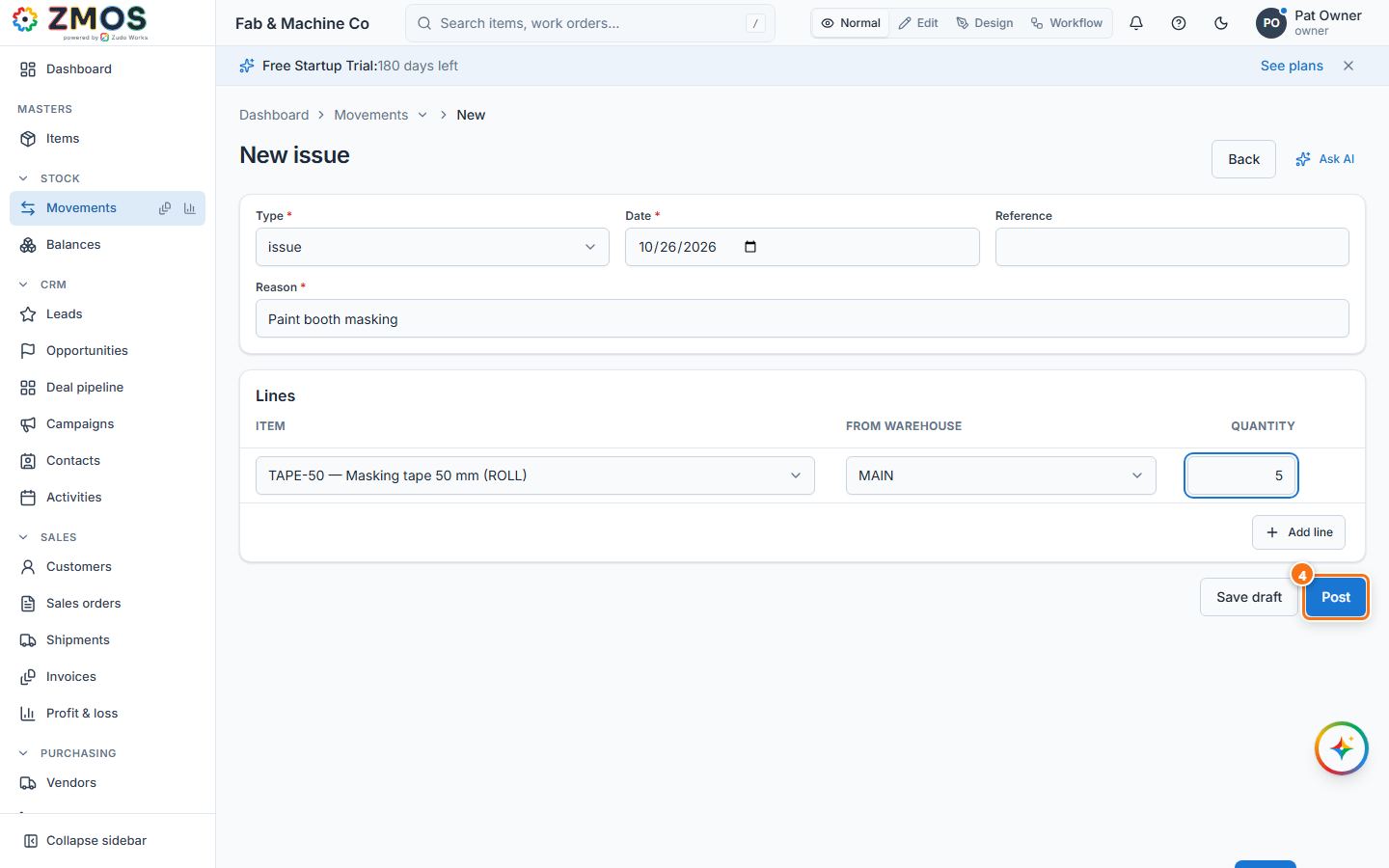
- Type a Reason — it is required for an issue (for example "Paint booth masking"). Reference is optional.
- Under Lines, choose the Item, the From warehouse and the Quantity.
- Press Post. The issue gets its number (ISS-…) and the stock leaves the warehouse. If the warehouse holds less than the quantity, the issue is refused with "Not enough stock …" and nothing changes.
Last updated