 Zudo Works
How to transfer stock between warehouses
A transfer moves stock from one warehouse to another in one step; the value moves with it at the average cost.
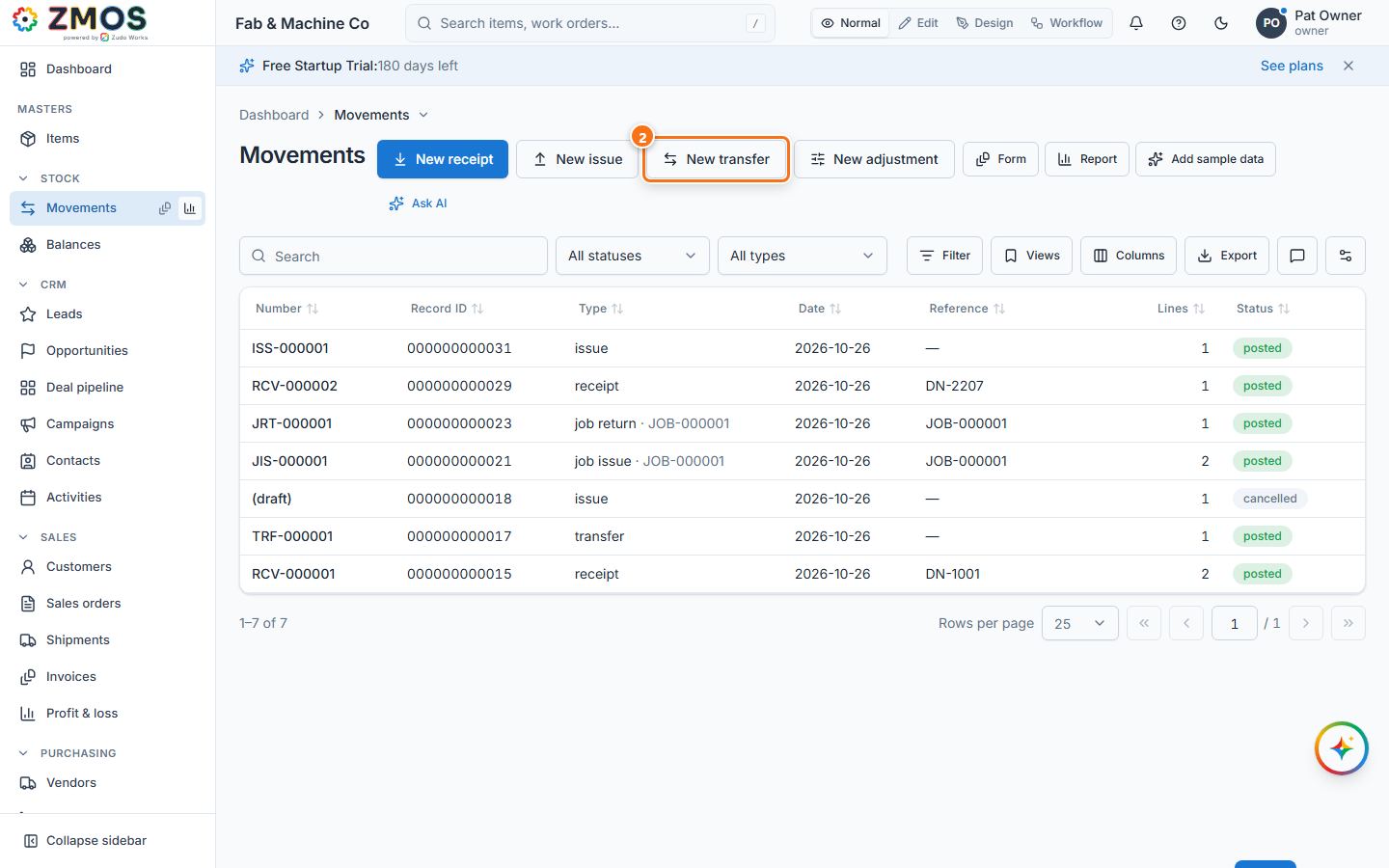
- Open the Movements list: in the sidebar, hover Movements (under Stock) and press its Report icon — or press Back on the movement form.
- Press New transfer.
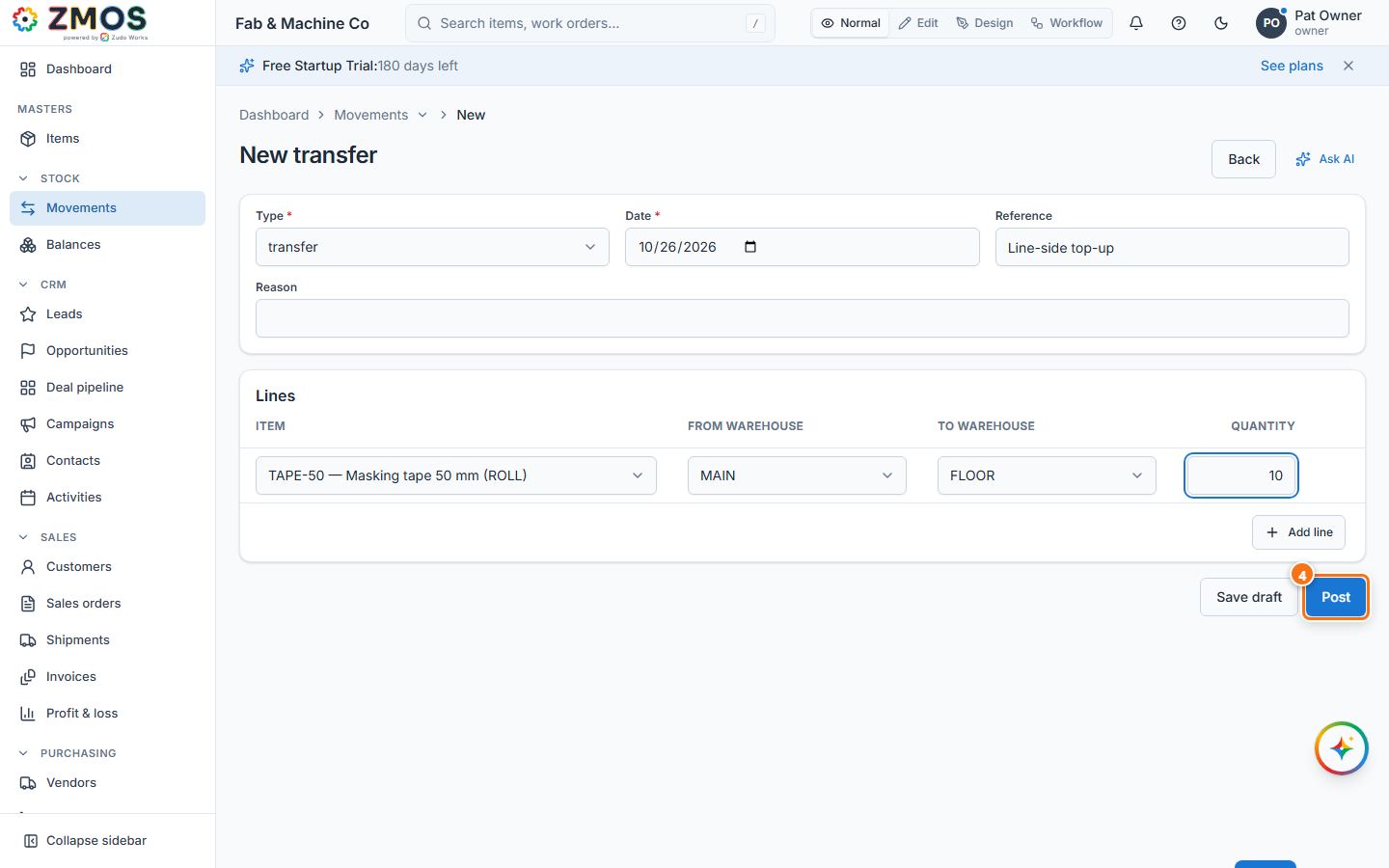
- Under Lines, choose the Item, the From warehouse, the To warehouse and the Quantity. Add a Reference if you like.
- Press Post. The transfer gets its number (TRF-…); the quantity leaves the first warehouse and arrives in the second.
Last updated