 Zudo Works
How to post a journal entry
Book an adjustment, accrual or opening balance straight to the ledger with balanced debit and credit lines.
- In the sidebar, under Accounting & Finance, click Manual journals. The New journal page opens.
- Check the Date and type a Reference and Notes (what the entry is for).
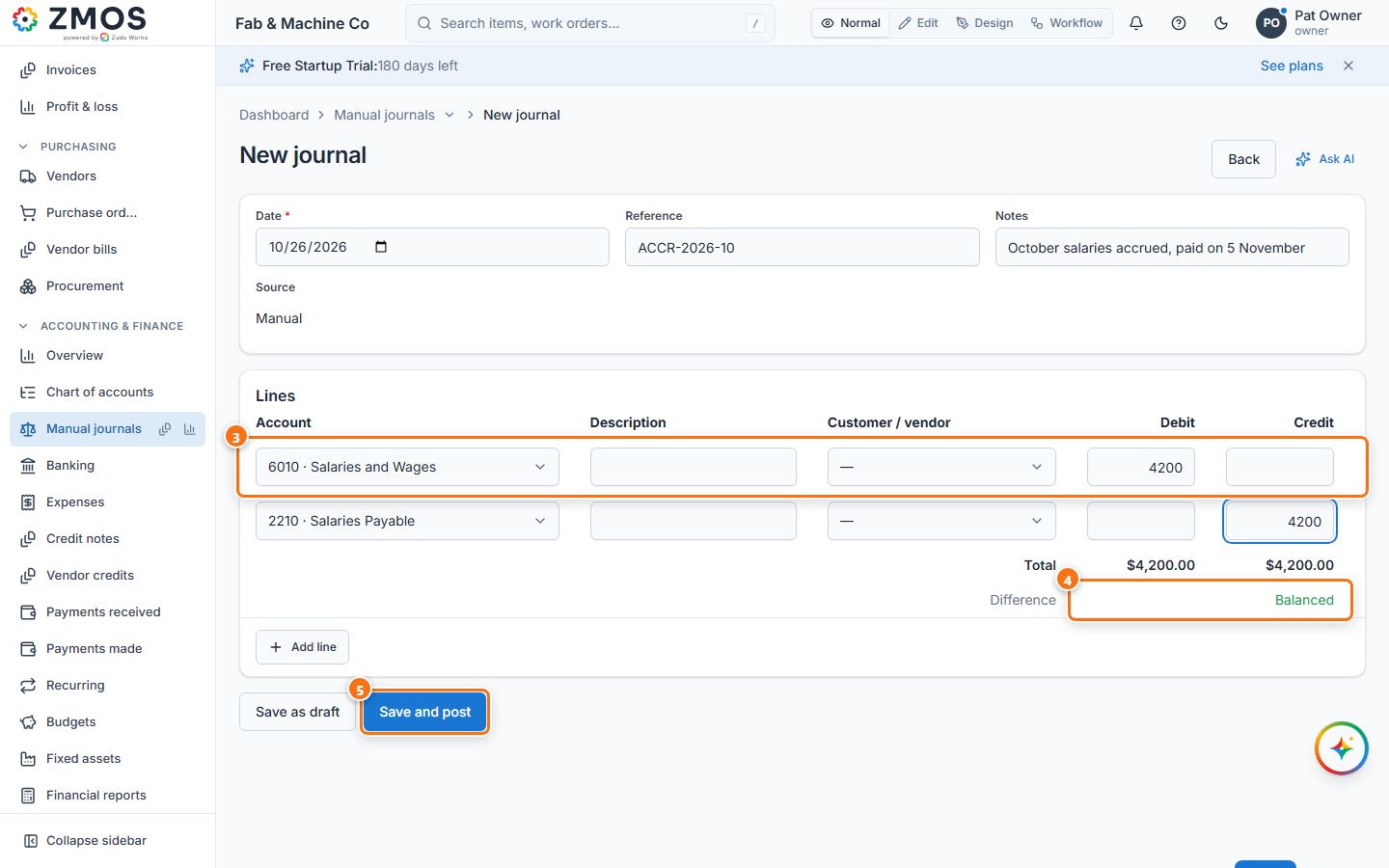
- Under Lines, pick an Account on each line and type the amount in Debit or Credit (optionally a Description and a Customer / vendor). Press Add line for more than two lines.
- Watch Difference under the totals: it must read Balanced (total debits = total credits) before the entry can be posted.
- Press Save and post (or Save as draft to post later). The journal gets its number and the status Posted.
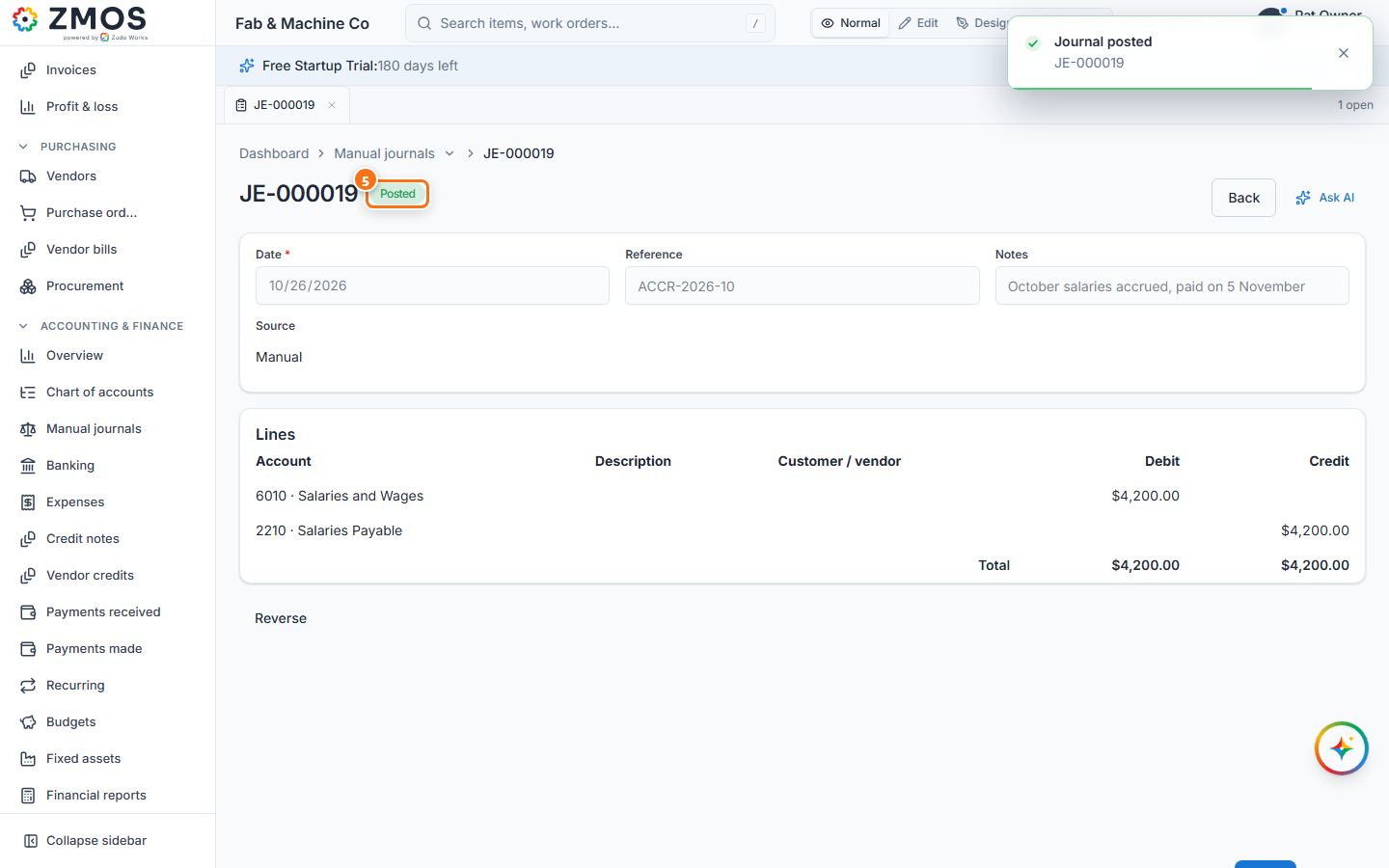
Tip: a posted journal is not edited — press Reverse on it to post the opposite entry on a date you choose.
Last updated