 Zudo Works
How to rearrange the home dashboard
Decide what everyone sees first on the Dashboard: which boxes, in which order, how big, and in which colour.
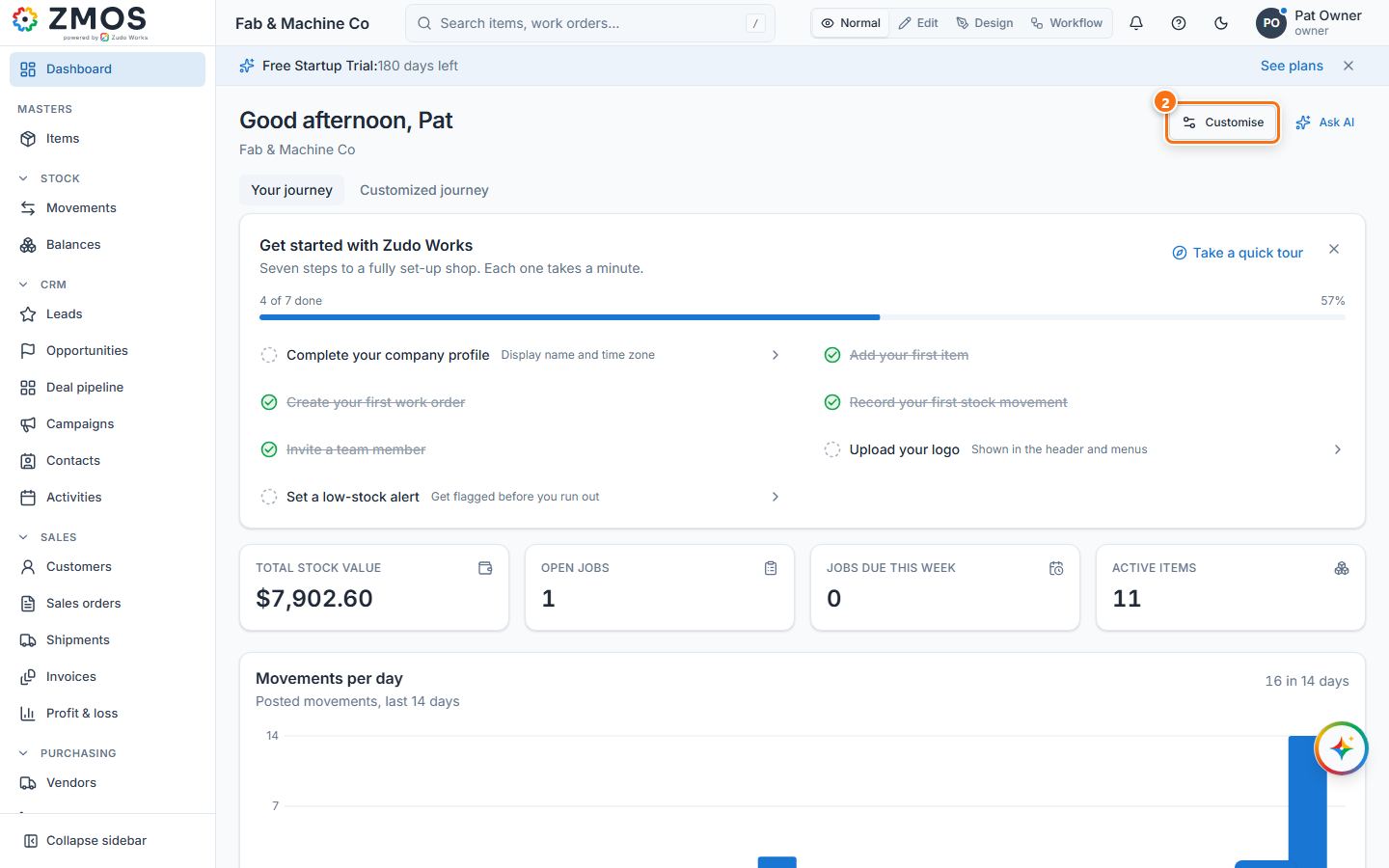
- Click Dashboard at the top of the sidebar.
- Press Customise at the top right (switching the view mode to Edit does the same).
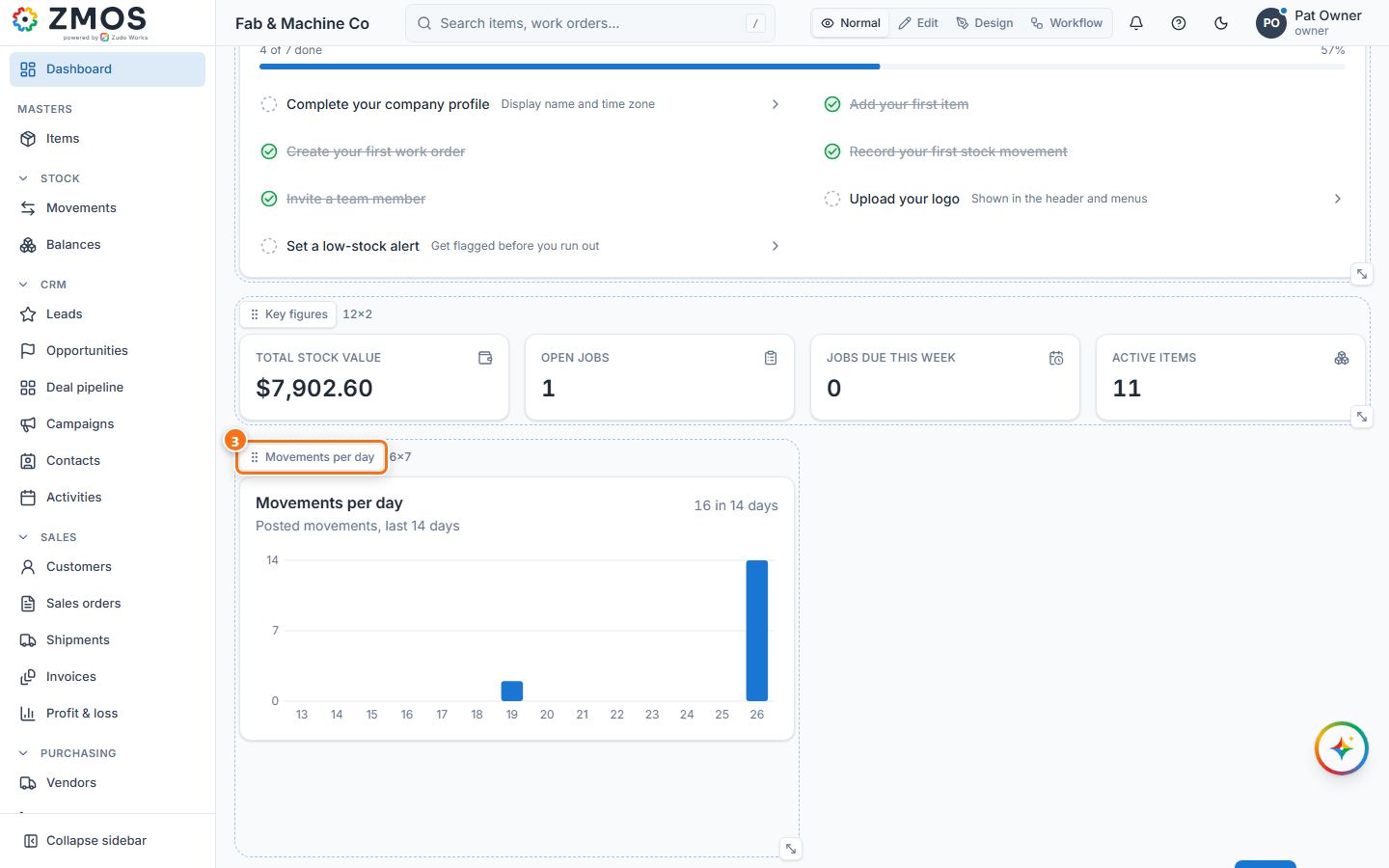
- Every box gets a handle with its name: drag the handle to move the box, and drag the corner handle at its bottom right to resize it. With the keyboard, focus a handle: the arrow keys move the box, Shift + arrows resize it.
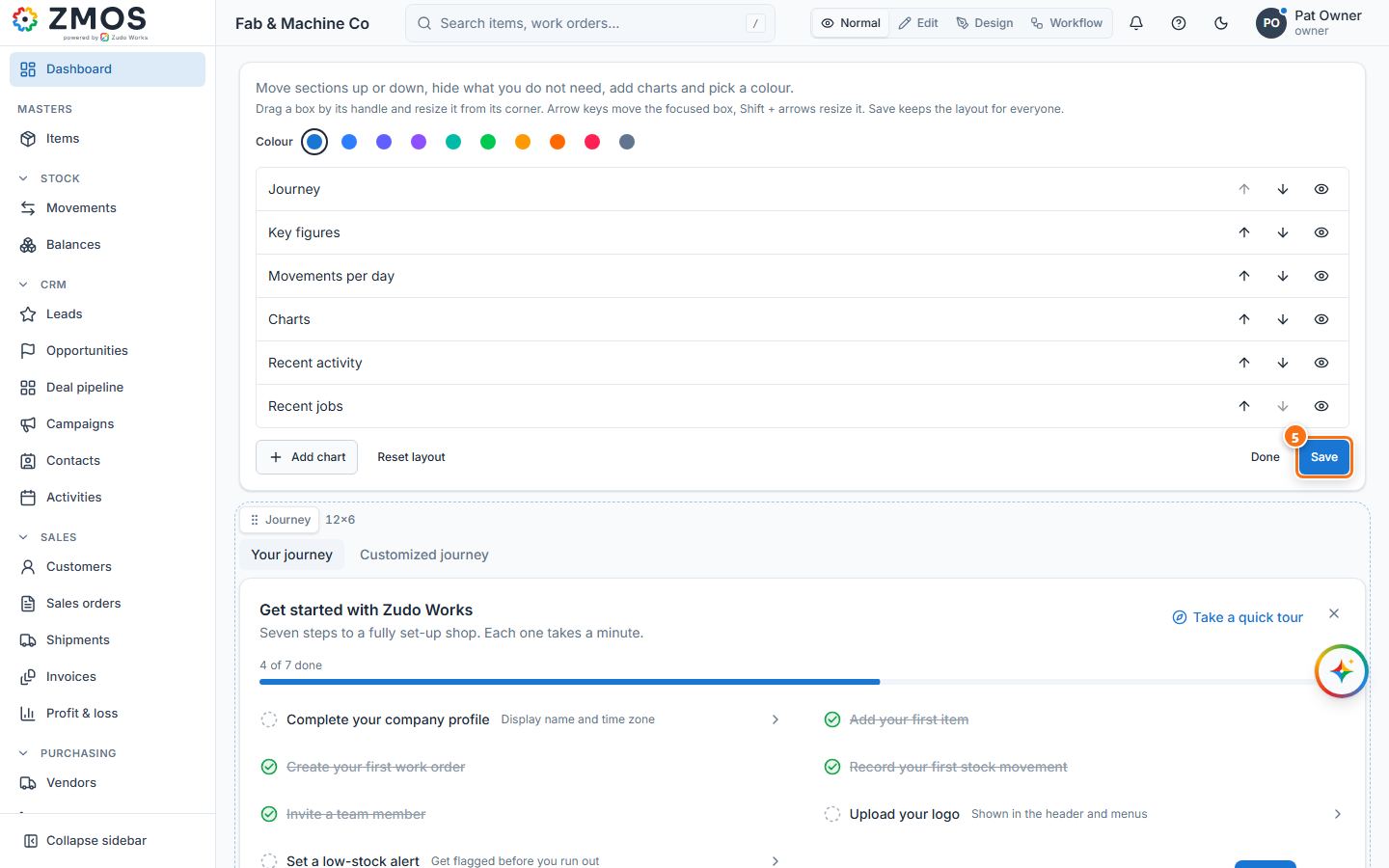
- In the panel above, the arrows move a section up or down, the eye hides or shows it, Colour picks the accent, and Add chart adds a chart of your own data.
- Press Save — the layout is saved for everyone in the workspace — then Done. Reset layout (then Save) brings back the original.
Last updated