 Zudo Works
How to record an inspection
Record an incoming, in-process or final inspection with pass / fail quantities and a checklist.
- In the sidebar, under Quality, click Inspections. The New inspection form opens.
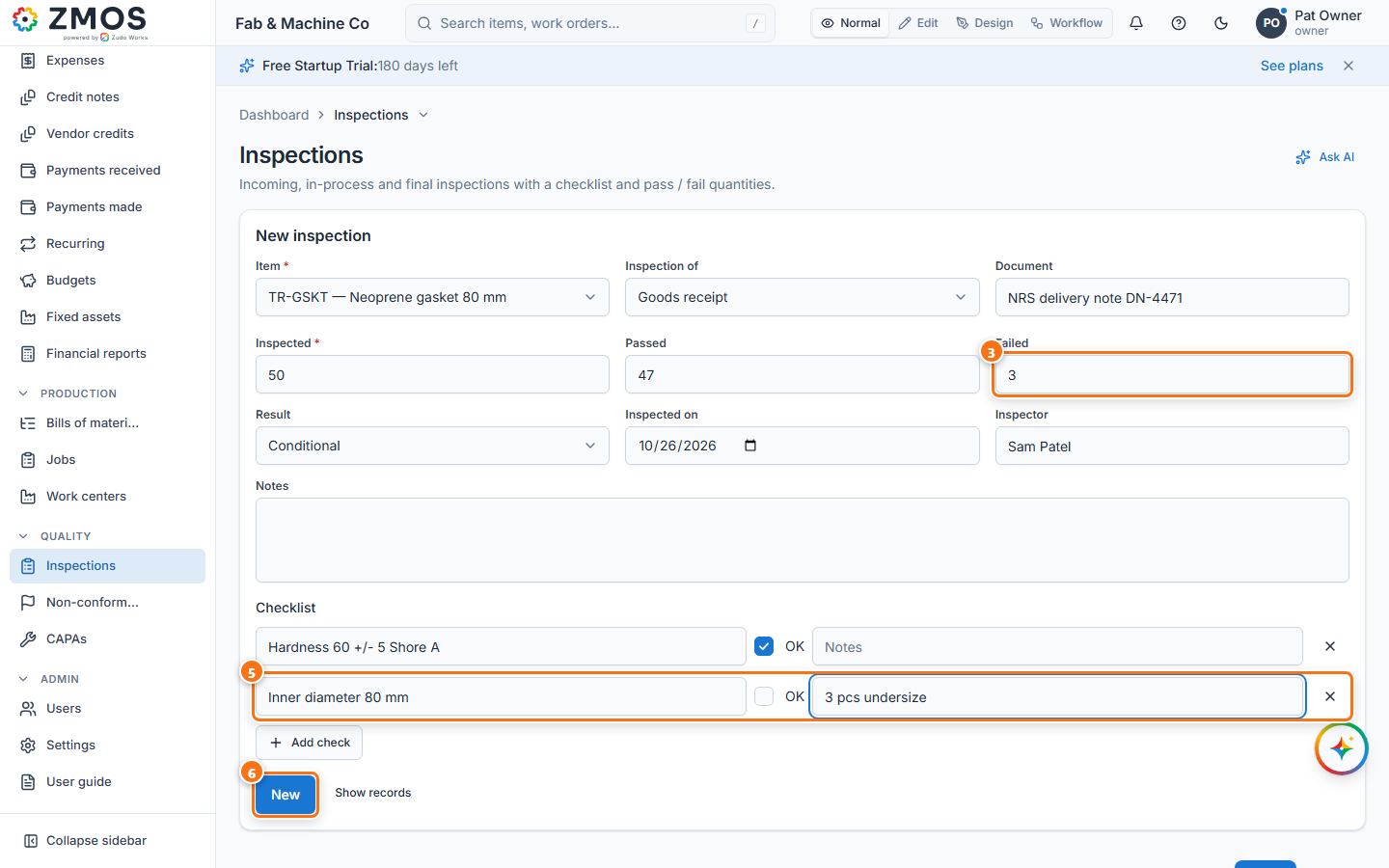
- Choose what you inspected in Inspection of (Goods receipt, Production, Shipment, In process or Other), type the Document (the delivery note, receipt, job or shipment number), pick the Item and check Inspected on.
- Type the Inspected quantity and how many Failed. Passed fills itself, and Result follows the counts (Pass, Conditional when some failed, Fail when all failed) — change it if you decide otherwise.
- Type the Inspector and any Notes.
- Under Checklist, press Add check for each point and type what you checked. A new point starts ticked OK — untick OK for a point that failed and say why in its Notes box.
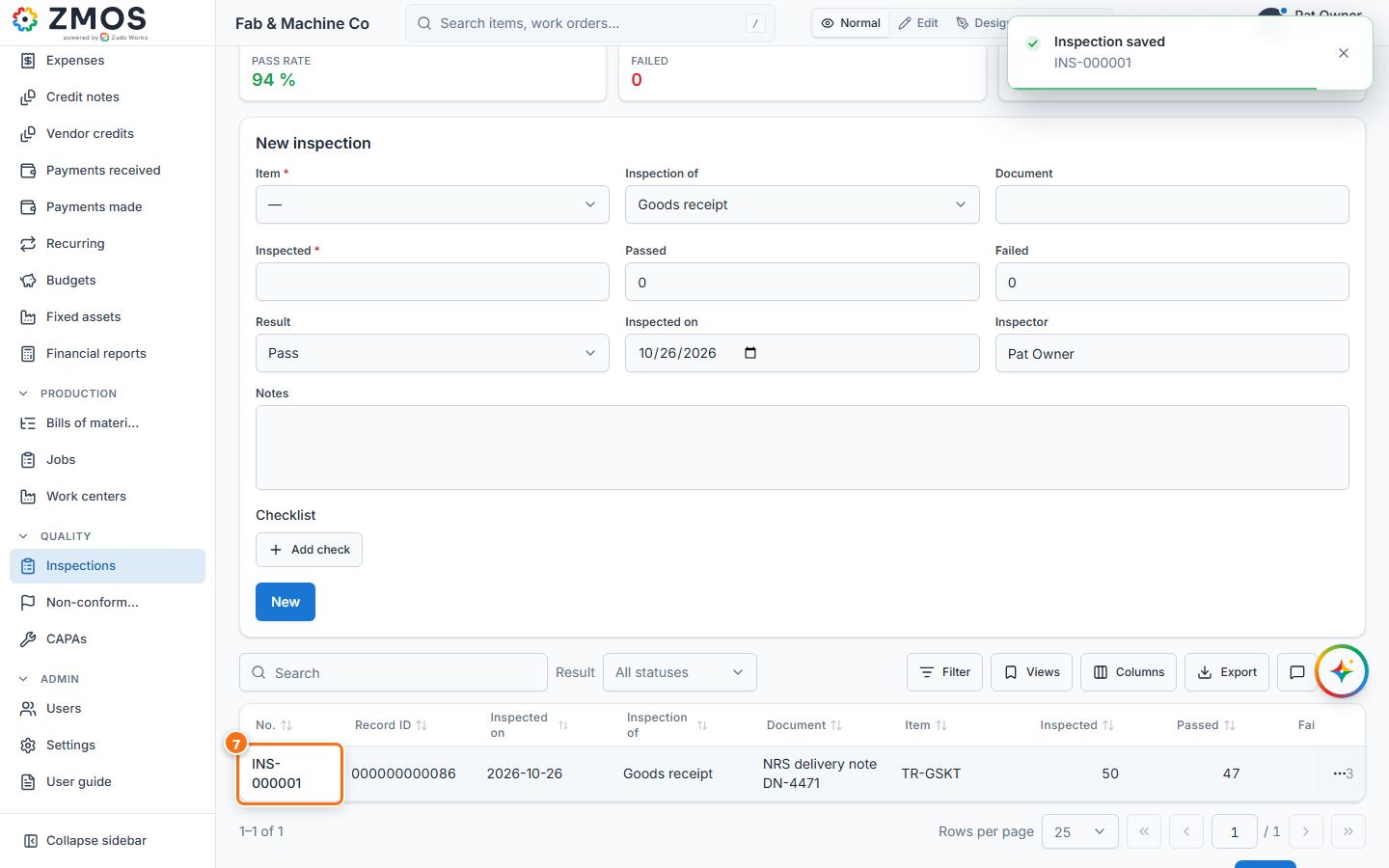
- Press Save. "Inspection saved" appears.
- The inspection is listed with its number (INS-…), quantities and result (scroll the list sideways for Result).
Last updated